Free Metronome
A Free Metronome for iPhone
40–240 BPM, tap tempo, six time signatures, an accented downbeat, and timing that doesn't drift — free, with a precision chromatic tuner in the same app.
iPhone · iOS 17 or later · Apple Watch app requires watchOS 11
Free Means Free
What "Free Metronome" Usually Means, and What It Means Here
A metronome is four numbers and a click. It is not a subscription business. Most free metronome apps know this, which is why they monetise with a banner ad across the beat indicator, an interstitial between practice sessions, or a tempo range that stops right before the tempo you needed. ChromTuner's metronome has no ads, no account, no upsell prompt, and no capability held back for a paid tier.
The tempo range is the full 40–240 BPM, with tap tempo for when you would rather feel the number than dial it, and time signatures covering 2/4, 3/4, 4/4, 5/4, 6/8 and 7/8. The downbeat is accented — a brighter click roughly 3 dB above the others — so a 7/8 bar is countable rather than an undifferentiated stream of ticks.
Timing is the part that separates metronomes, and it is invisible until it isn't. Beats here are scheduled ahead on the audio clock rather than fired from a repeating timer, so the click does not accumulate drift over a long session and does not stutter when the system gets busy. The beat sequencer and the click voice are pure, testable types rather than side effects of a UI loop, which is why the timing holds up under conditions where a naive implementation starts to wobble.
It runs on Apple Watch too, at no extra cost, where it clicks audibly on every beat and taps the beat on your wrist. Above roughly 120 BPM watchOS stops delivering haptics that land close together, so the tap widens to a bar-aligned stride — half-time, then once a bar — while the audio keeps every beat. The app says so on screen rather than letting you wonder why the tapping thinned out. And the same app contains a full ±1¢ chromatic tuner, also free.
Three Tabs
One Instrument, Three Tools.
Version 1.2 grew the app from a single tuner screen into a practice kit. Tune sits in the middle and opens by default — the other two are one thumb-swipe away, and only one ever makes sound at a time.
Metronome
40–240 BPM, tap tempo, 2/4 through 7/8. Free for everyone, on phone and wrist.
Tune
The chromatic tuner — now filling nearly two-thirds of the screen.
Strings
String-life tracking that counts the sessions you actually play.
In the Hand
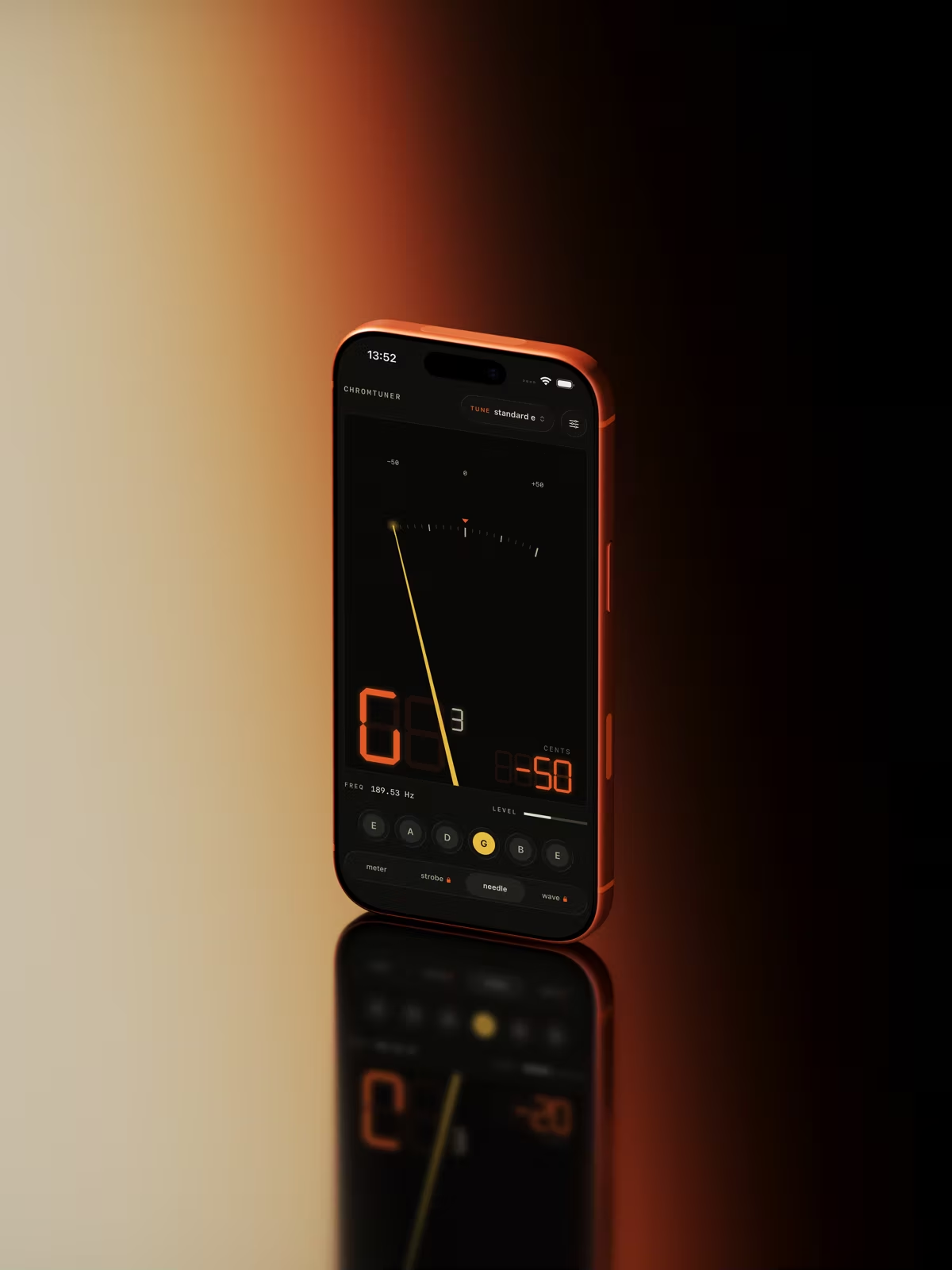
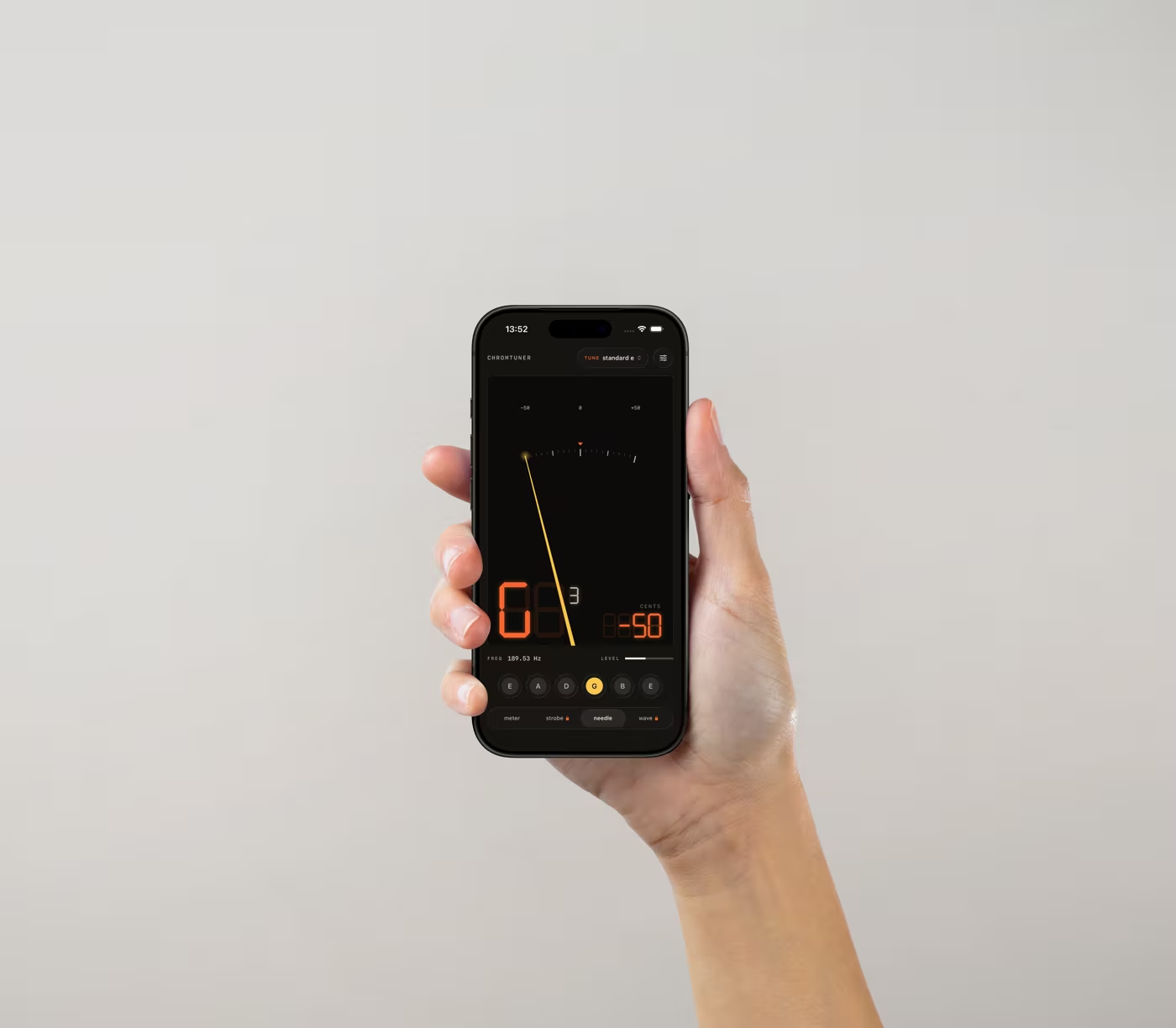
Reads Like Hardware.
The warm LED look carries from your Mac to your pocket to your wrist — a tuner that feels like an instrument, wherever you play.
New in 1.2 · Apple Watch
Tune and Keep Time From Your Wrist.
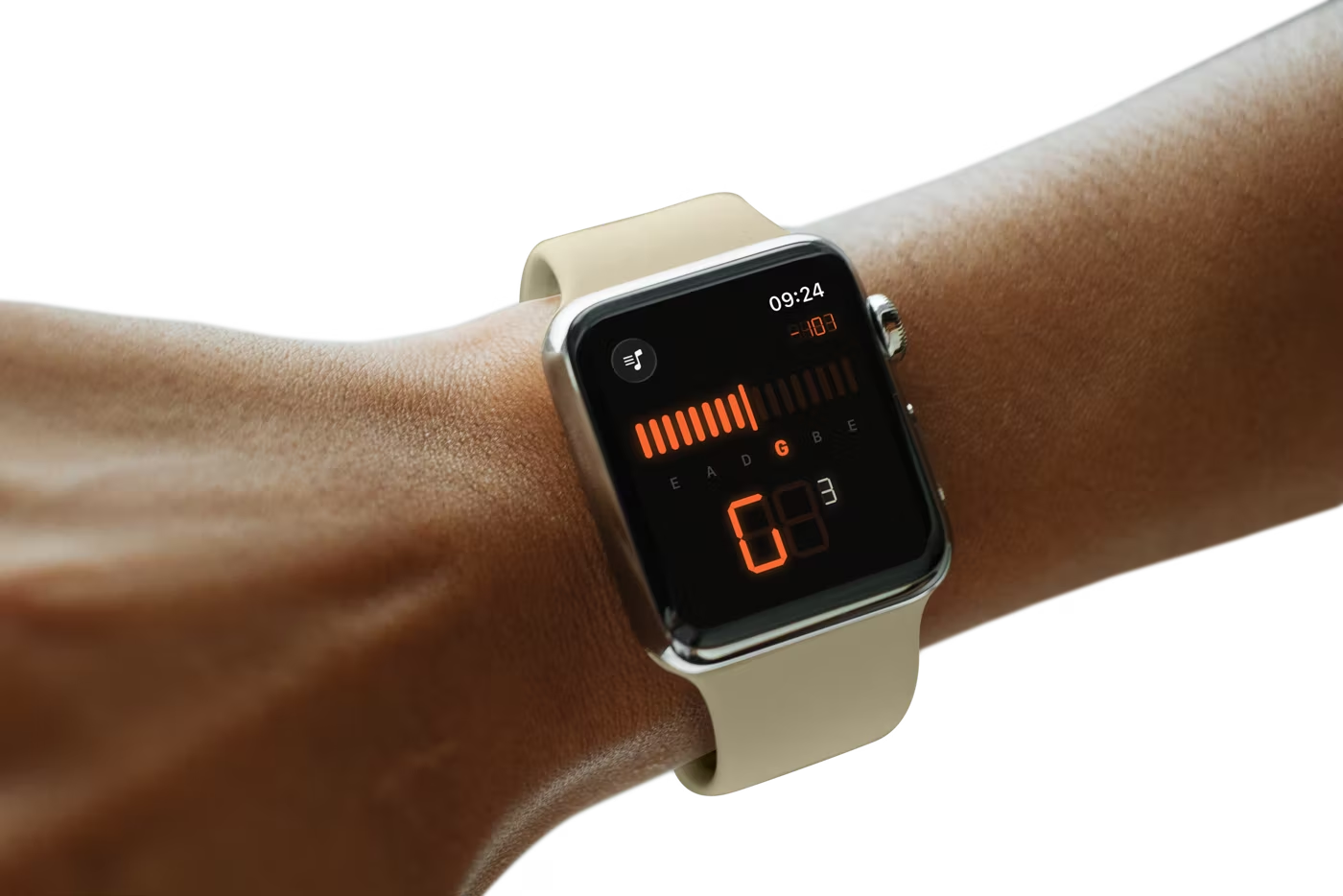
The Apple Watch app runs the same YIN engine standalone, listening through the watch's own microphone — your phone can stay in your bag. The OLED display becomes the LED screen: a live meter, a string indicator that lights up as you move across the neck, and the big seven-segment note, readable at arm's length on a dark stage. Swipe across and 1.2's metronome is right there.
Metronome on Your Wrist. It clicks in time and taps the beat, so both hands stay on the instrument — and it keeps going with your wrist down.
Digital Crown. Turn it to flip through tunings on the tuner page, or to set the tempo on the metronome page.
Standalone & Offline. The engine runs entirely on the watch. No phone nearby, no network, no account.
Included free with the iPhone app · watchOS 11+
New in 1.2 · Metronome
Keep Time. Free for Everyone.
A metronome built into the same instrument, sharing the tuner's LED display — so the thing you practise with looks and reads like the thing you tune with. It isn't behind the Pro unlock, and it isn't a stripped-down teaser.
40–240 BPM. Dial the tempo or tap it in when you'd rather feel the number than pick it.
2/4 Through 7/8. Six time signatures with an accented downbeat, so odd meters actually read.
Sample-Accurate. Beats are scheduled on the audio clock rather than a timer, so the click doesn't drift.
Free on iPhone and Apple Watch · no ads, no account
New in 1.2 · Strings
Know When They're Due.
Every player guesses at this. ChromTuner tracks both how long a set has been on and how much you've actually played it — counting the sessions you tune — so the guitar that lives in its case and the one that gigs every weekend aren't treated the same.
Sessions, Not Just Days. A session only counts when you really tune: ten steady readings inside ±5 cents.
Pick It Up, It Follows. Choose an instrument and the tuner switches to its tuning automatically.
Down to the String. Record brand and gauge per set, and mark a single string when you replace just the one you broke.
One instrument free · Pro tracks your whole collection
Private by Design.
Audio is processed in memory, on-device, and never stored or transmitted. No analytics, no tracking, no account — the App Store privacy label reads "Data Not Collected" because there's nothing to collect.
Playing at a Desk? There's a Mac App.
ChromTuner for macOS reads any USB interface at full sample rate via Core Audio, lives in your menu bar, and is a one-time $6.99 purchase — direct from this site or on the Mac App Store.
See the Mac App →Free vs Pro
The Free Version Is a Tuner, Not a Demo.
Everything below the line ships free, at full detection accuracy — the Pro unlock buys breadth, never precision. Pro is a one-time $6.99 purchase, no subscription.

FAQ
Questions, Answered.
Quick answers about the free app, Pro, the Apple Watch, the metronome and string tracking.
Is the Metronome Free?
Entirely. The metronome is not part of the Pro unlock: 40–240 BPM, six time signatures from 2/4 to 7/8, tap tempo and an accented downbeat, on both iPhone and Apple Watch. Beats are scheduled on the audio clock rather than a repeating timer, so the click doesn't drift over a long practice session.Is the Free Version Actually Useful?
Yes. Free gets you chromatic mode (tune any instrument, any note), Standard E and Drop D guitar presets with tap-to-play reference tones, two displays, haptic in-tune feedback, the complete metronome, string tracking for one instrument, and the identical full-precision detection engine Pro uses. Nothing about accuracy is gated.Is There an Apple Watch App?
Yes, included free with the iPhone app (watchOS 11 or later). It runs the same YIN detection engine standalone on the watch, listening through the watch's own microphone, so you can tune without taking your phone out — a live LED meter, a string indicator that lights up as you move across the neck, and the seven-segment note display. Swipe across for the metronome, which clicks and taps the beat and keeps running with your wrist down; the Digital Crown switches tunings on the tuner page and sets the tempo on the metronome page. Pro presets unlocked on your iPhone sync to the watch automatically.Does the iPhone App Work Offline?
Completely. The app makes zero network calls — audio never leaves your iPhone, and there's no account or analytics. The Apple Watch app runs its engine on the watch itself, so it works with your phone out of range too.How Is My Audio Handled — Is Anything Sent Off-Device?
Nothing leaves your device. On Mac, iPhone and Apple Watch, the microphone stream is processed in memory and discarded — the app doesn't record, save, transmit, or analyze your audio beyond pitch detection.Does It Run on iPad?
There's no iPad-native version. The app is designed for iPhone in portrait, and the Apple Watch app comes with it. If you're tuning at a desk, ChromTuner for macOS is the better fit — it reads a USB interface at full sample rate and lives in your menu bar.
Related